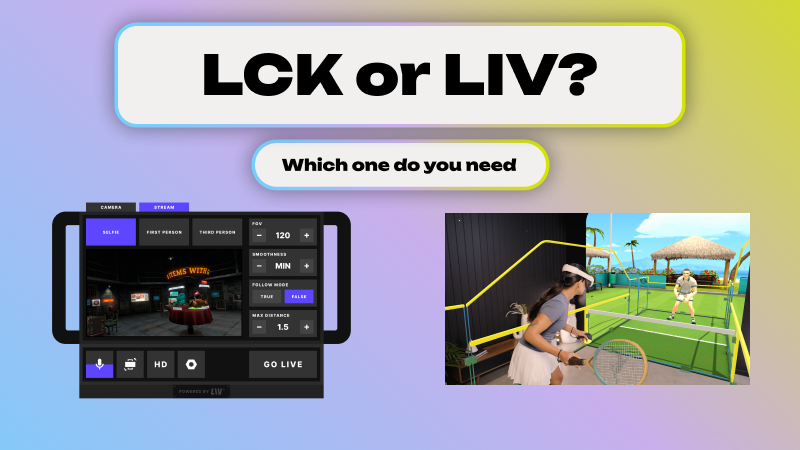
LIV offers two developer SDKs, and choosing the right one comes down to one key question: where is your game running, and what kind of capture experience do you want to create?
Before diving in — you only need an SDK if you're a game developer adding support directly to your title. End users don't need to worry about this.
Meet the Two SDKs
LIV Camera Kit (LCK) SDK
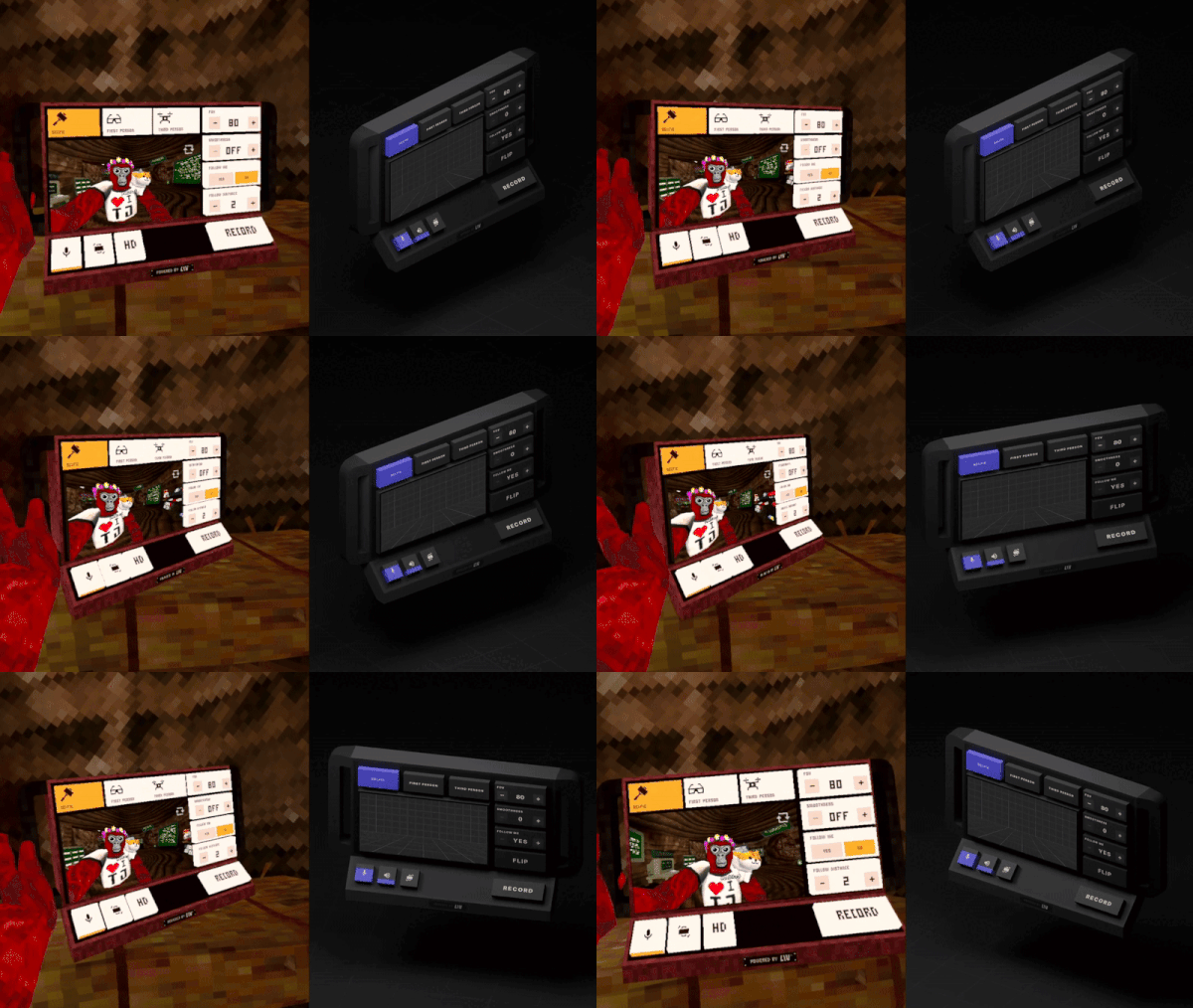
The LCK is LIV's cross-platform capture SDK built for game developers who want deep, native integration. With it, you can spawn in-game cameras, record video, take screenshots, and live stream directly inside Unity and Unreal Engine applications — no external app required. Everything happens on-device, making it ideal for standalone headsets like Meta Quest as well as PCVR.
LIV SDK for Mixed Reality and Avatar for PCVR
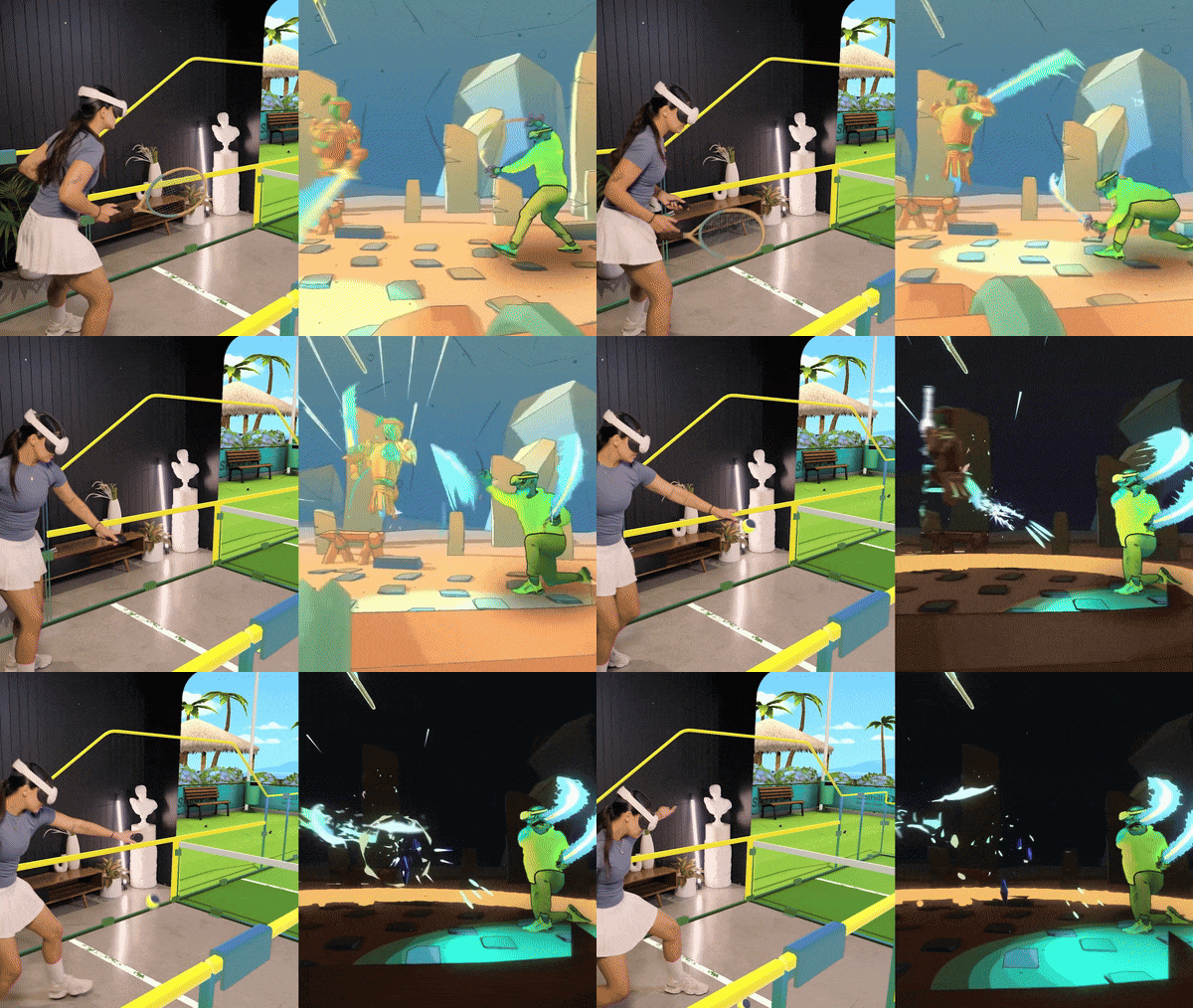
This SDK is designed specifically for PCVR and unlocks LIV's signature feature: capturing real-world people inside your game world. It powers the mixed reality compositing experience that LIV is known for, blending a player's physical presence with your virtual environment. It requires the LIV Steam PC App to be running alongside your game. LIV does not provide capture capabilties.
Side-by-Side Comparison
Which One Should You Pick?
Go with the LCK if you're building for Meta Quest, want standalone recording without any external dependencies, or need an in-game camera object for cinematic shots and streaming tools.
Go with Mixed Reality and Avatar for PCVR if your game is PCVR-only and you want to offer players the ability to appear inside your game world using LIV's mixed reality compositing.
And if you're targeting PCVR and want the best of both worlds — rich in-game camera tools and mixed reality support — you can integrate both SDKs.
Ready to get started? Head over to the LIV Developer Docs to grab the SDK that's right for your project.